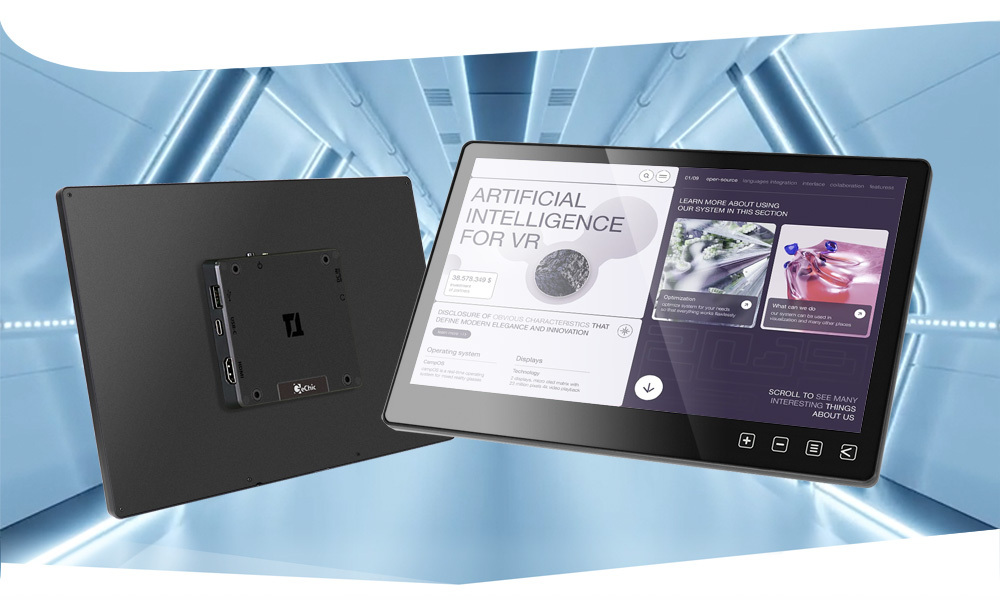
11.6 inch. T111B Anti-Fouling Touch Monitor
FHD Quality– Ideal for Small Touch Machine
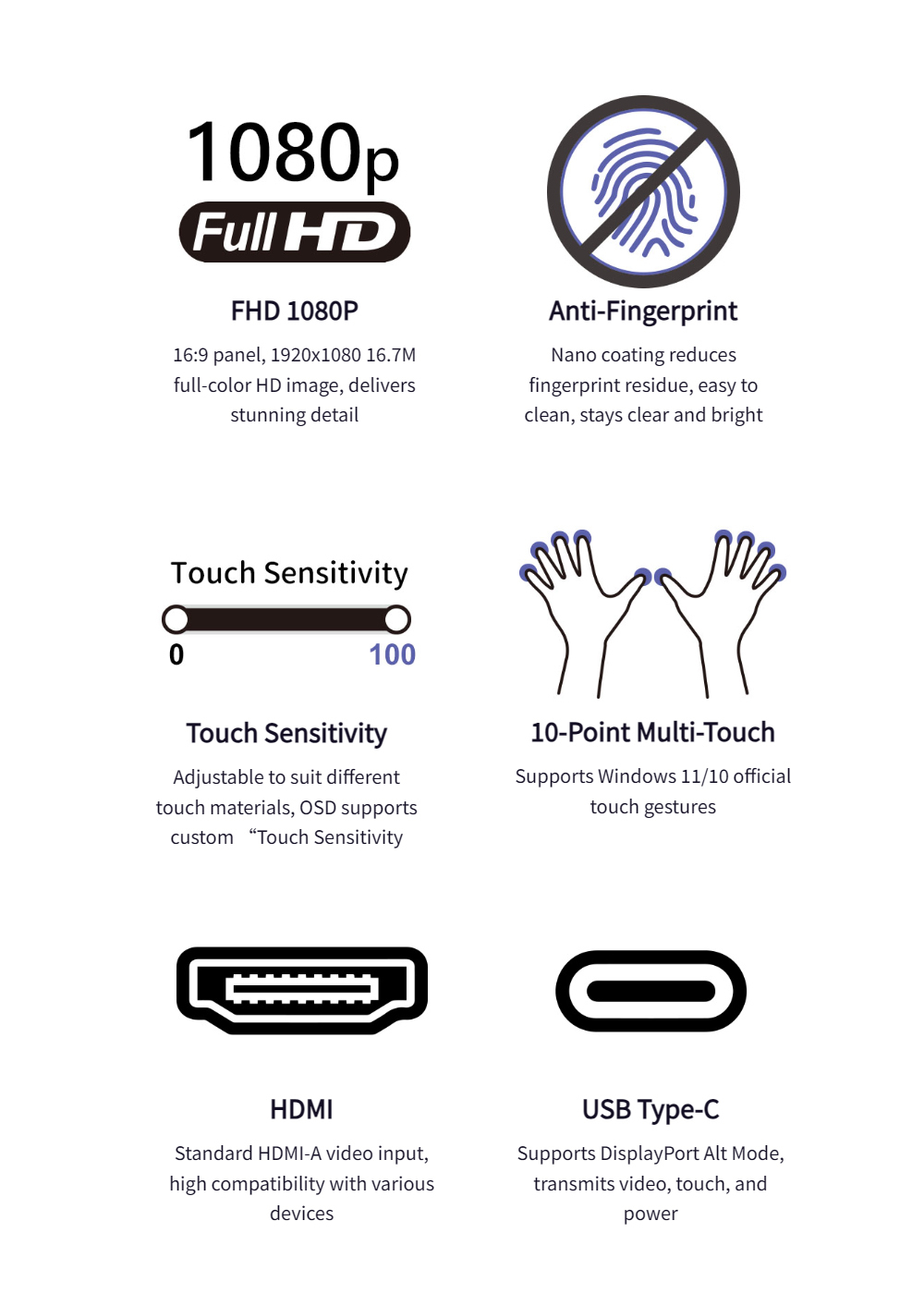
The T111B touchscreen monitor features a slim design with smudge-resistant glass, offering clear 1080P visuals and wide viewing angles. Built for industrial, commercial, and embedded systems, it delivers smooth touch response and easy maintenance thanks to its anti-fingerprint nano-coating.
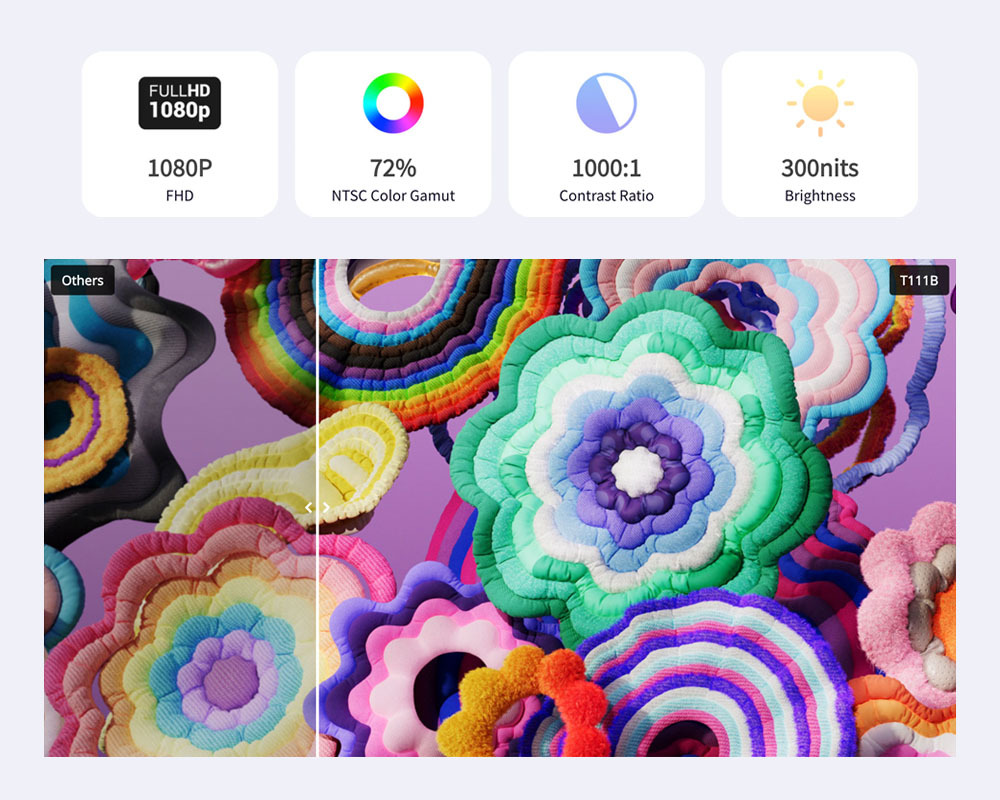
Full HD Resolution × High Contrast
Vivid Visuals for an Immersive Experience
With a 1920×1080 resolution, 170° viewing angle, 72% NTSC color gamut, and 1000:1 contrast ratio, the T111B displays sharp, vibrant images. Its 300-nit brightness ensures clear visuals for text, graphics, and video in various lighting environments.
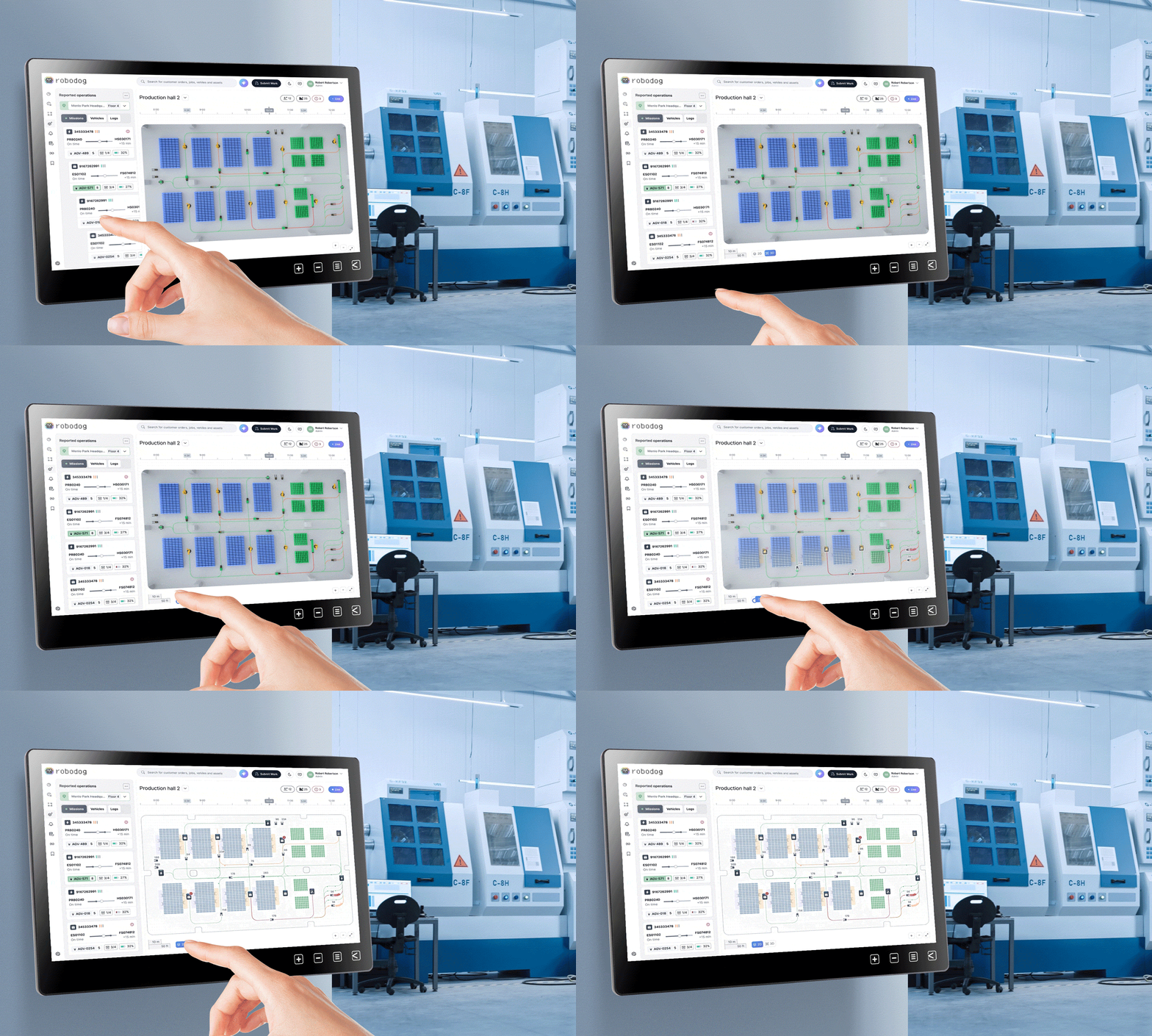
Projected Capacitive Touch Panel
Smooth and Responsive, Supporting Windows 11/Linux/Ubuntu Systems
The capacitive touch panel offers precise, 10-point multi-touch input via USB, supporting plug-and-play on Windows 10/11. It’s also compatible with Linux, Ubuntu, Raspberry Pi OS, and Chrome OS—ideal for interactive displays, kiosks, and control systems.
*If the version of Linux does not enable touchscreen support, please contact your OS distributor to enable the "HID multi-touch panels" function.

Support Various Touch Media
Gloves/Wet Fingers/Stylus
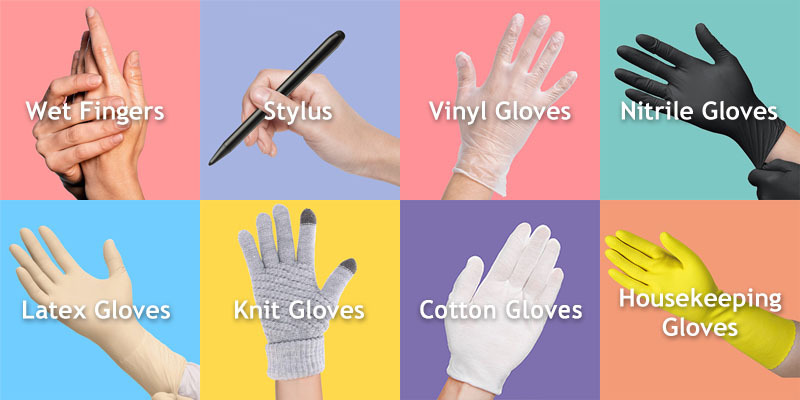
Even with slightly wet and sweaty fingers, the screen can be directly operated. For more precise input or handwriting, it can be used smoothly with a stylus with a front conductive rubber or plastic disc larger than 6mm. Users wearing gloves can operate directly without taking off their gloves, which is particularly convenient.
*Support some activated styluses with enough electromagnetic induction, such as Adonit® Dash 3/Adonit® Neo Duo.
FHD Quality– Ideal for Small Touch Machine
The T111B touchscreen monitor features a slim design with smudge-resistant glass, offering clear 1080P visuals and wide viewing angles. Built for industrial, commercial, and embedded systems, it delivers smooth touch response and easy maintenance thanks to its anti-fingerprint nano-coating.
Full HD Resolution × High Contrast
Vivid Visuals for an Immersive Experience
With a 1920×1080 resolution, 170° viewing angle, 72% NTSC color gamut, and 1000:1 contrast ratio, the T111B displays sharp, vibrant images. Its 300-nit brightness ensures clear visuals for text, graphics, and video in various lighting environments.
Projected Capacitive Touch Panel
Smooth and Responsive, Supporting Windows 11/Linux/Ubuntu Systems
The capacitive touch panel offers precise, 10-point multi-touch input via USB, supporting plug-and-play on Windows 10/11. It’s also compatible with Linux, Ubuntu, Raspberry Pi OS, and Chrome OS—ideal for interactive displays, kiosks, and control systems.
*If the version of Linux does not enable touchscreen support, please contact your OS distributor to enable the "HID multi-touch panels" function.
AF Anti-Fingerprint and Anti-Fouling Coating
Smooth and Durable, Greatly Reducing Fingerprint Residue
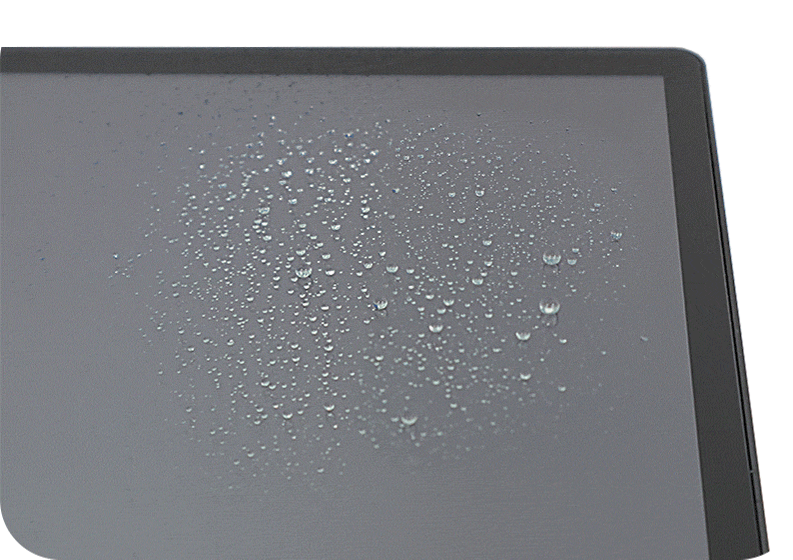
The monitor surface's AF (anti-fingerprint, anti-fouling) coating resists smudges, oil, and water marks. With oleophobic and hydrophobic properties, it keeps the surface clean and smooth, ensuring consistent touch accuracy even in dusty or greasy environments


Smooth and Durable, Greatly Reducing Fingerprint Residue
The monitor surface's AF (anti-fingerprint, anti-fouling) coating resists smudges, oil, and water marks. With oleophobic and hydrophobic properties, it keeps the surface clean and smooth, ensuring consistent touch accuracy even in dusty or greasy environments
Support Various Touch Media
Gloves/Wet Fingers/Stylus
Even with slightly wet and sweaty fingers, the screen can be directly operated. For more precise input or handwriting, it can be used smoothly with a stylus with a front conductive rubber or plastic disc larger than 6mm. Users wearing gloves can operate directly without taking off their gloves, which is particularly convenient.
*Support some activated styluses with enough electromagnetic induction, such as Adonit® Dash 3/Adonit® Neo Duo.
Optimized Touch Signal for Reliable Performance Over Distance
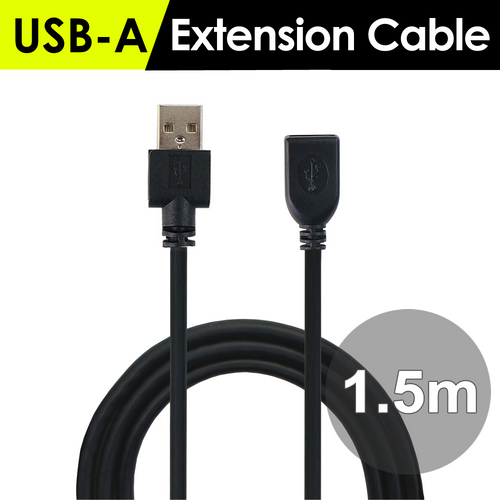
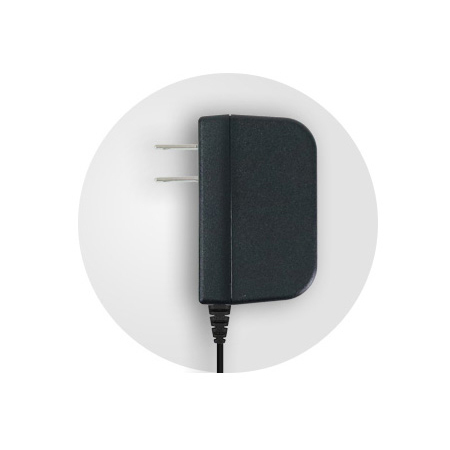
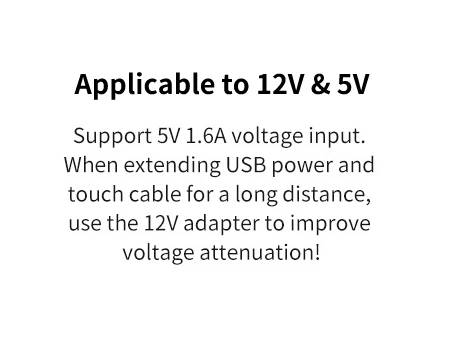
With built-in USB gain and anti-jamming technology, the monitor ensures stable touch signal transmission—even over long distances. When placed far from the host device, it can run on a 12V power adapter. Using a USB-A to USB-C power/touch cable plus multiple 1.5m USB-A (male) to USB-A (female) extension cables(optional), the setup supports up to 7.5 meters of total transmission distance—making long-range touch control easy and reliable.
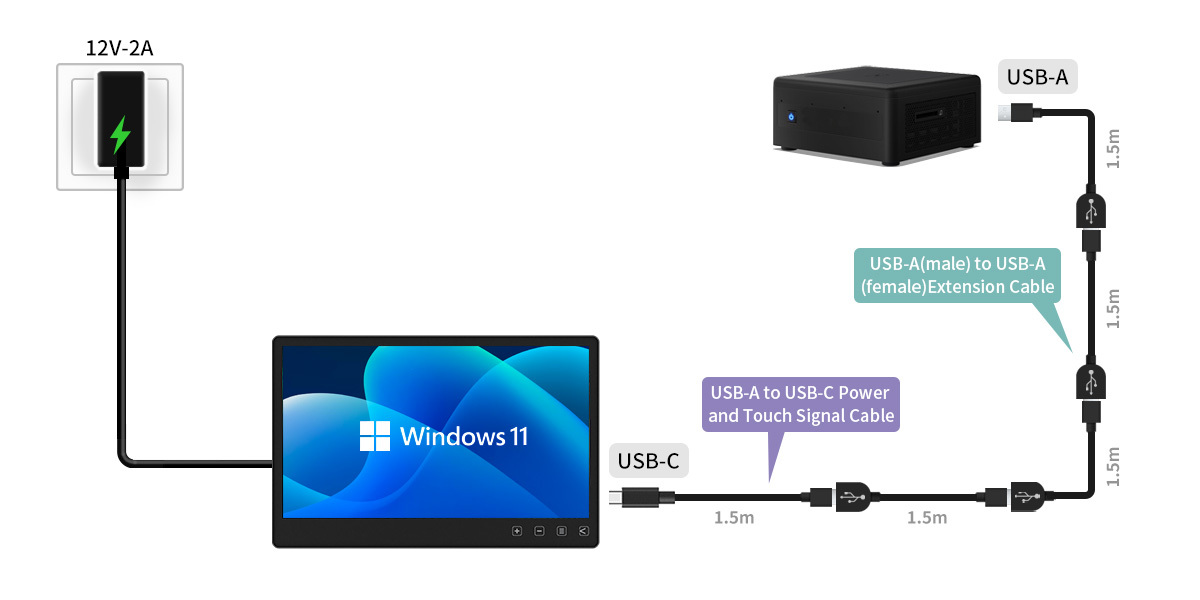
*When connecting to the 12V adapter, the monitor will automatically stop drawing power from the USB input.
*When extending USB cable, please use the 12V adapter to power the monitor.

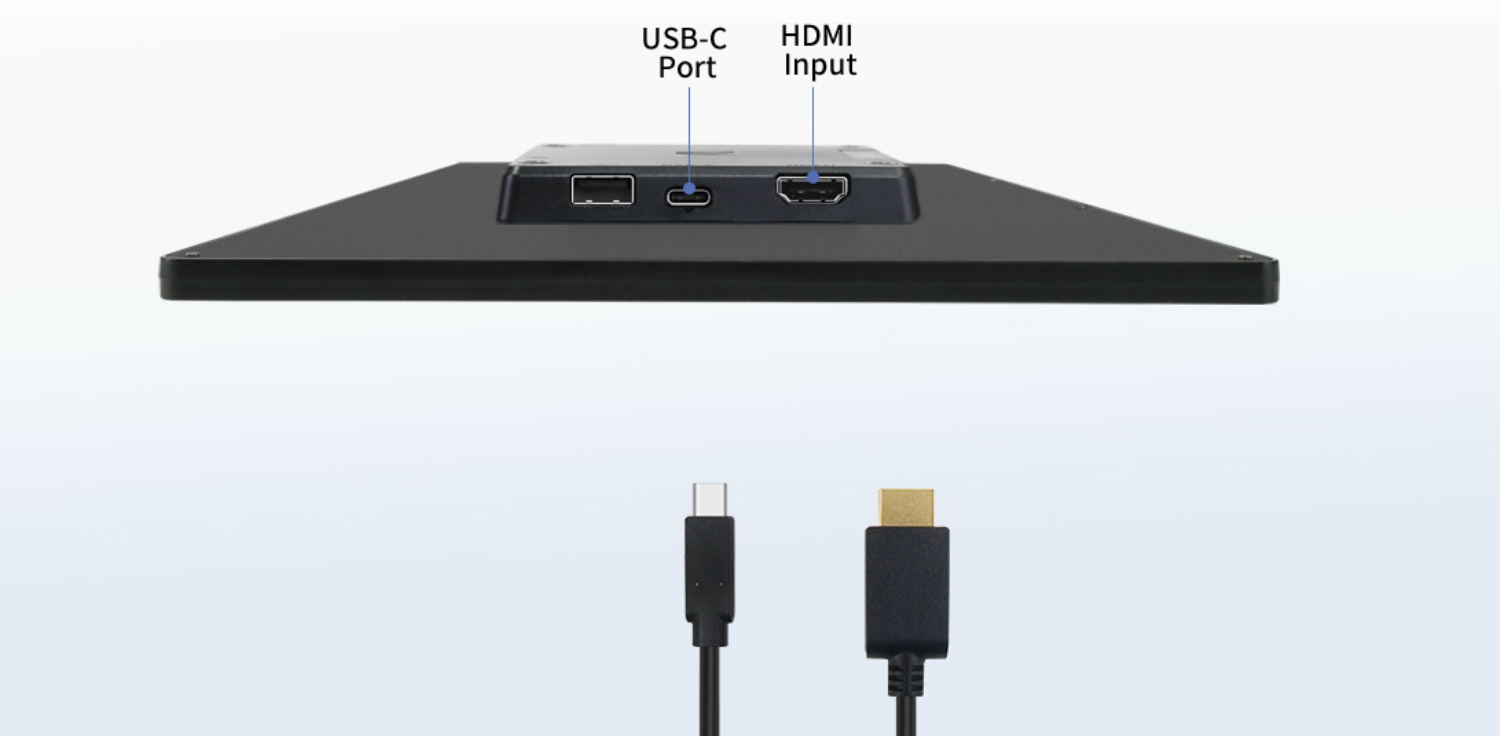
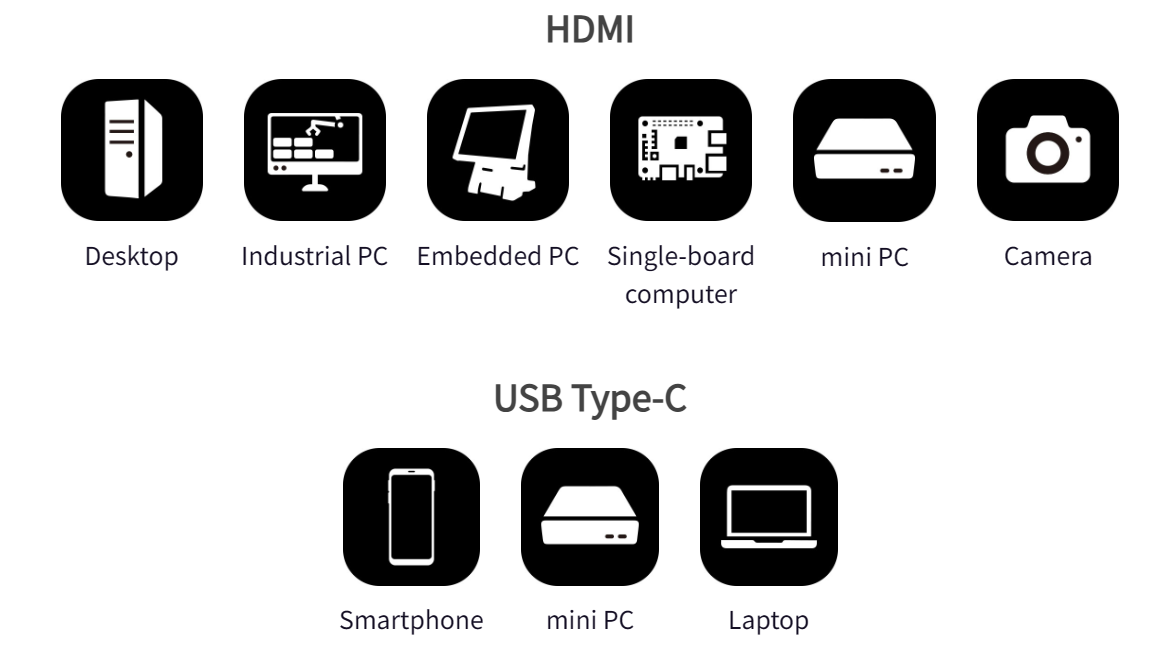
HDMI &USB Type-C
The ports are converged on the I/O block at the back of the monitor, including a standard HDMI-A port, which is suitable for universal commercial, industrial computers and laptops, etc. In view of the new generation computers keeping rolling out, the T111B monitor adopts an USB-C interface, which support both Thunderbolt 3, Thunderbolt 4 video signal input. The industry-leading interface can perfectly adapt to multiple devices.
USB-A Port
Strong Expandability, More Usability
When using the USB-C port of the T111B monitor to connect to the computer, the USB-A port on the monitor can be used as the USB port of the computer for connecting to a mouse, keyboard, USB flash drive, microphone or web camera, etc. When the monitor is far from the host, the USB external device can be connected to the monitor without having to go far!
*When using USB-A as the expansion port of the host/computer, the monitor must be connected to the 12V adapter.

High-Strength Body Design & High Durability
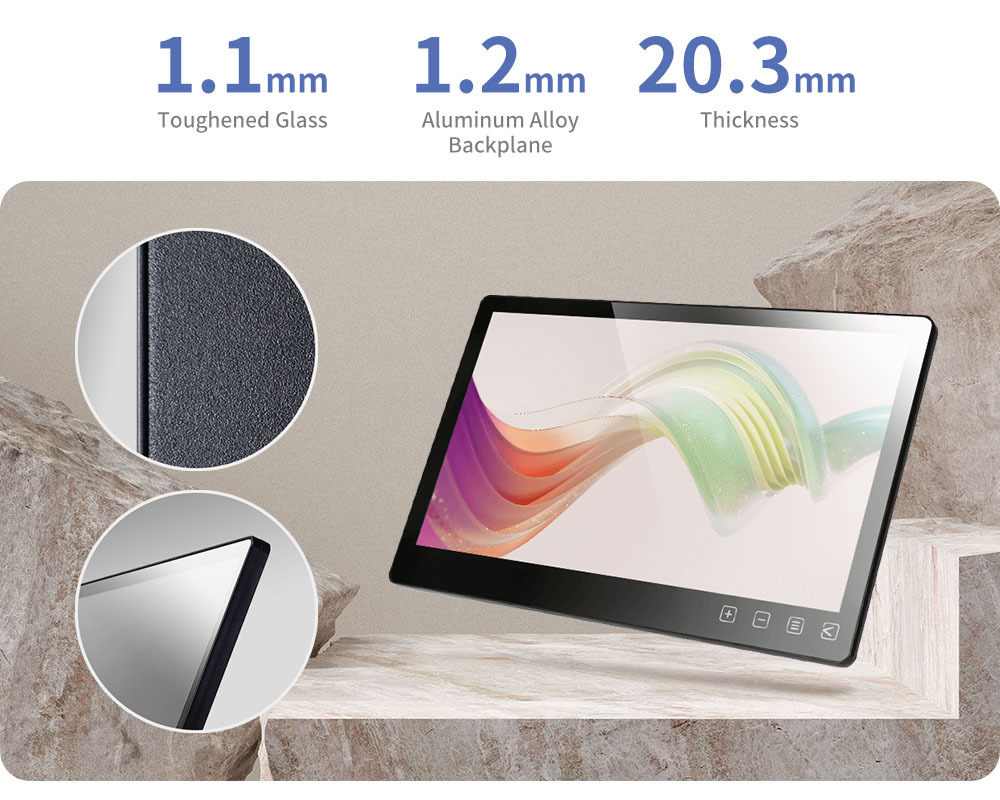
The front of T1 monitor is fully plat glass, incorporating touch sensitive OSD buttons for easy access to OSD menu configuration. In addition, the rear I/O ports simplifies wiring issues. When building a touchscreen machine or equipment, the monitor can be perfectly integrated into the hardware design to build a one-body formed appearance.

True-Flat Touchscreen Glass
Perfectly for Embedded Device
The front of T111B monitor is fully plat glass, incorporating touch sensitive OSD buttons for easy access to OSD menu configuration. In addition, the rear I/O ports simplify wiring issues. When building a touchscreen machine or equipment, the monitor can be perfectly integrated into the hardware design to build a one-body formed appearance.
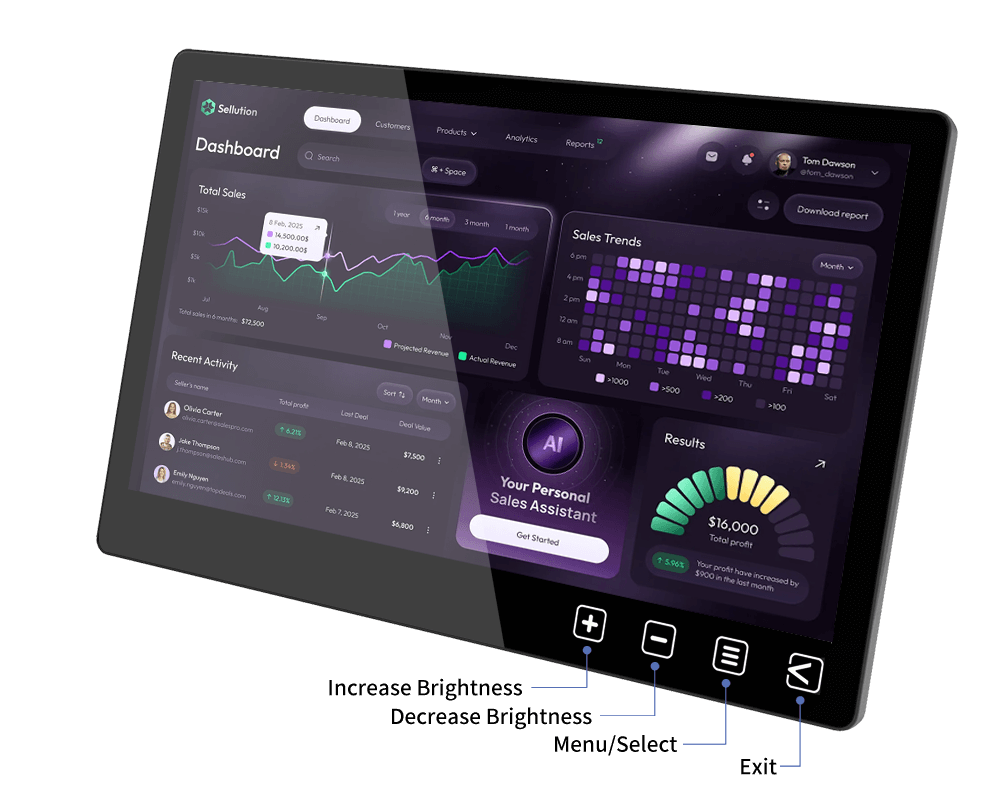
You can select "OSD Button Lock" in the OSD menu to avoid accidental touch.

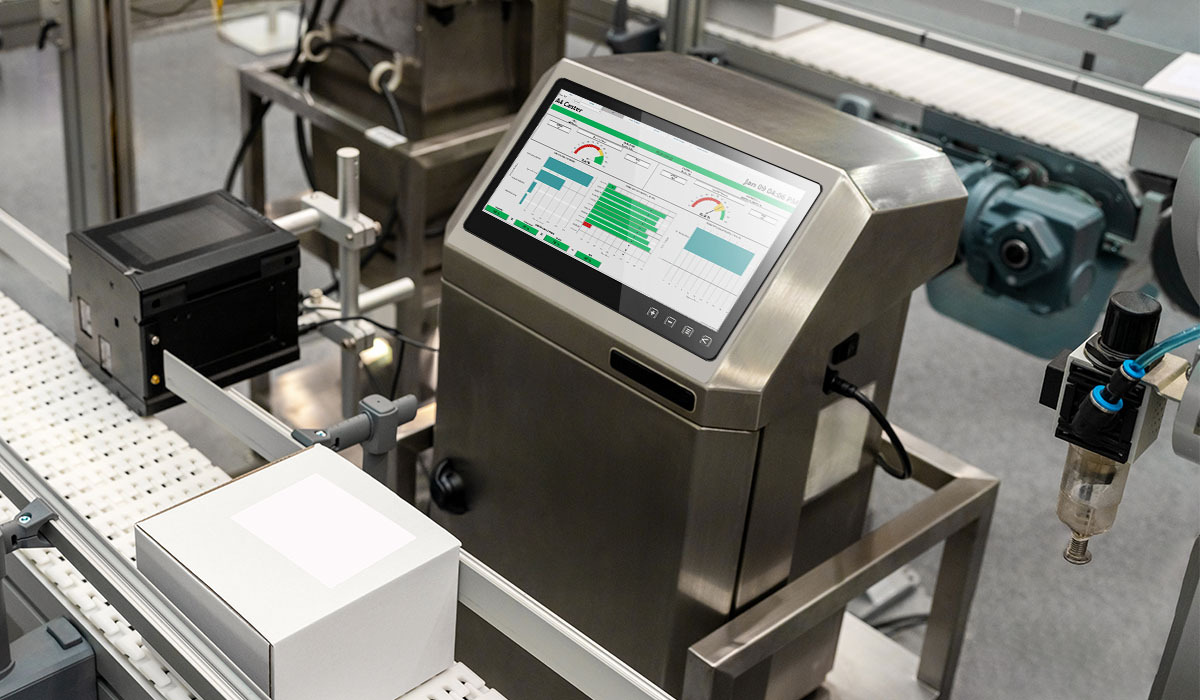
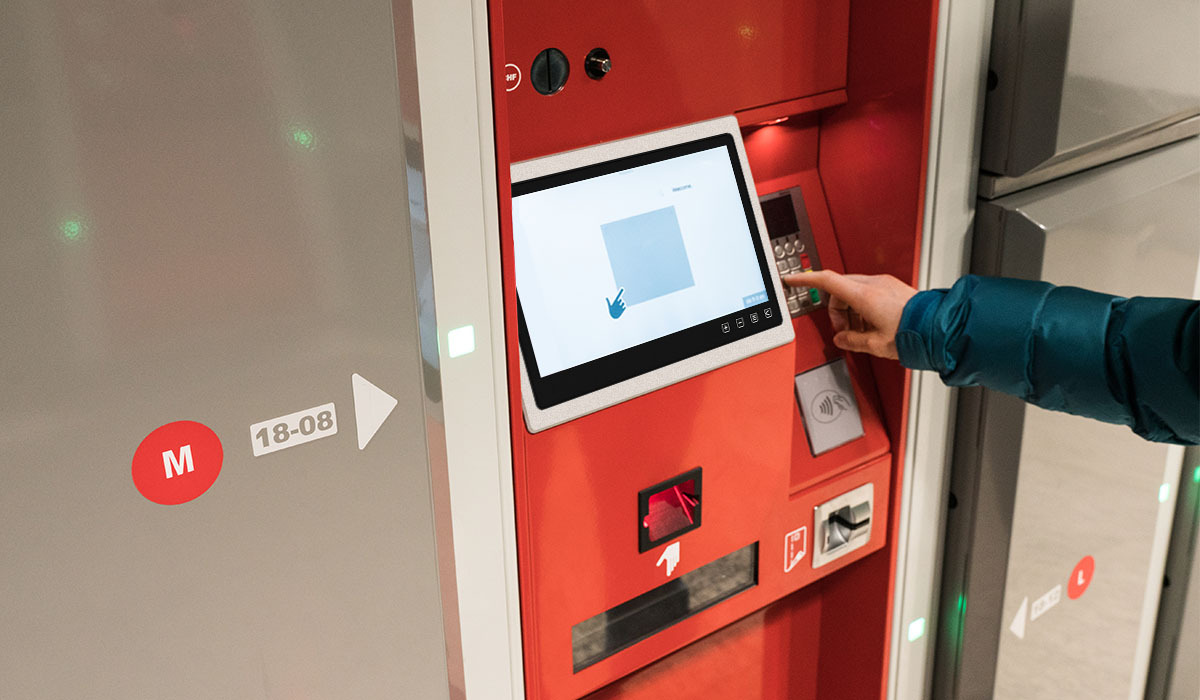
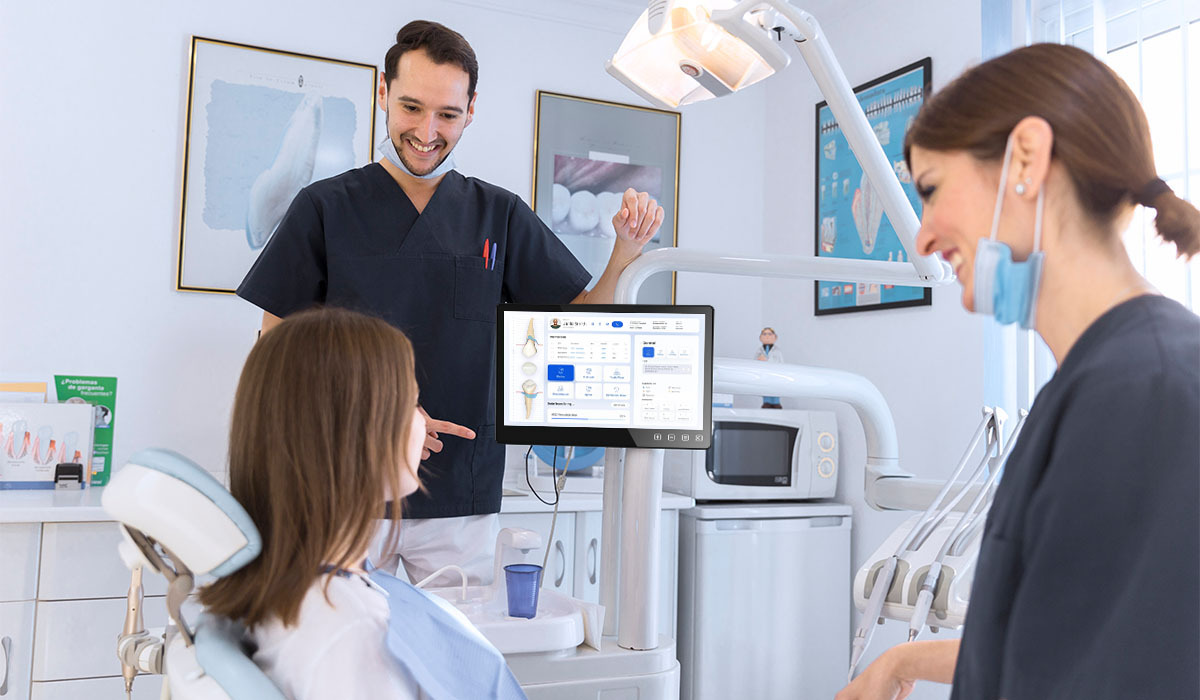
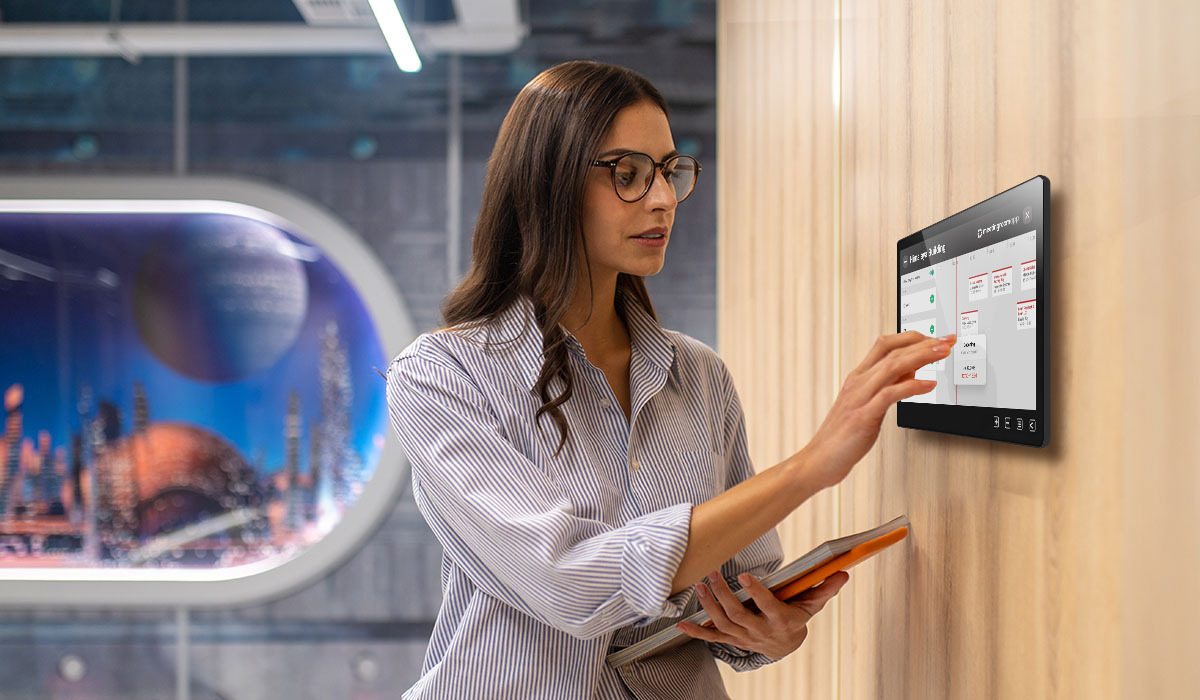
Dual Installation Flexibility!
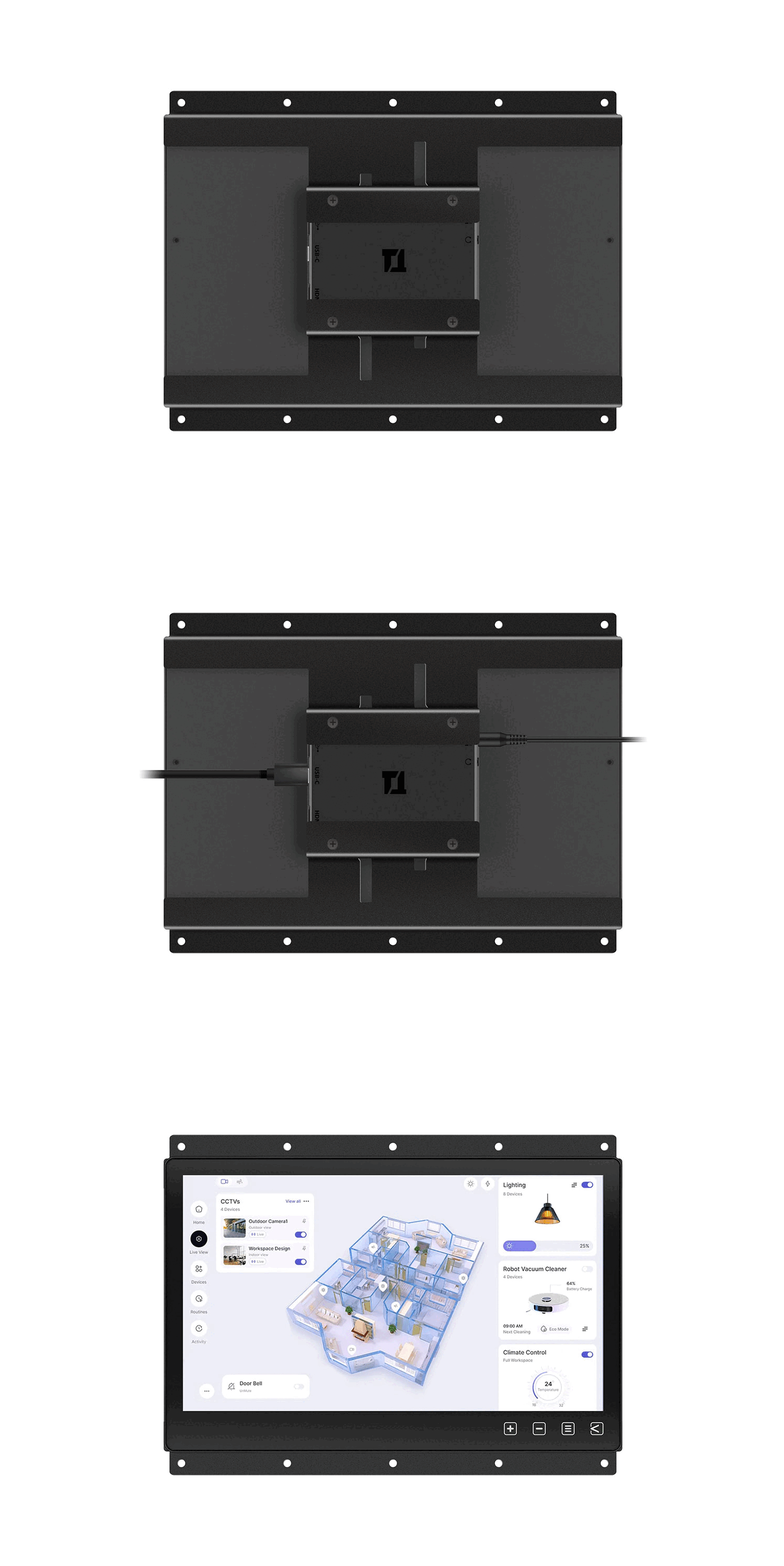
Wall-Mount & Rear Mount
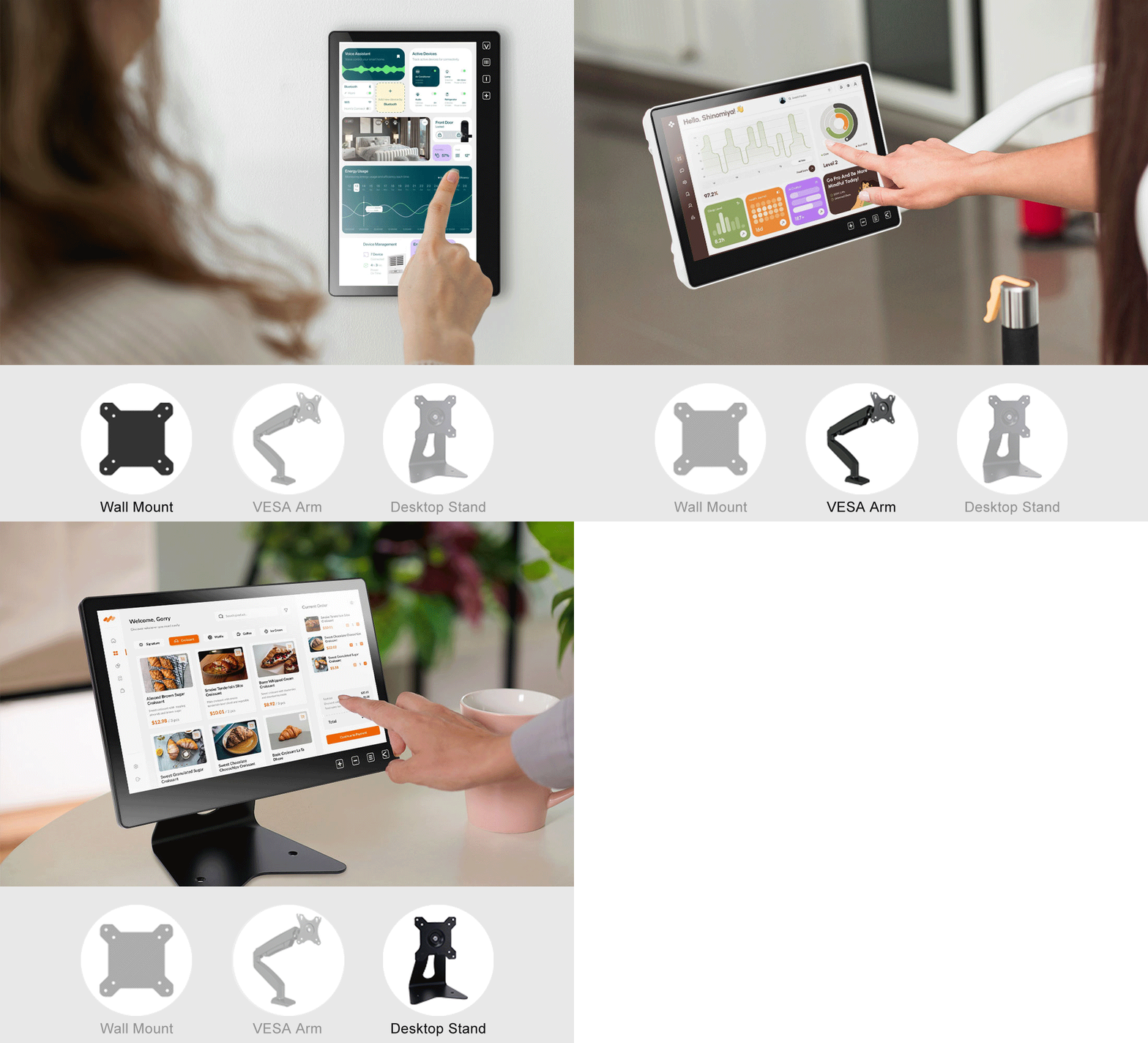
The T11 features a true flat touch glass, ultra-slim bezel, and a sleek aluminum back panel. It can be directly mounted to VESA 75 wall brackets, arms, or desktop stands.
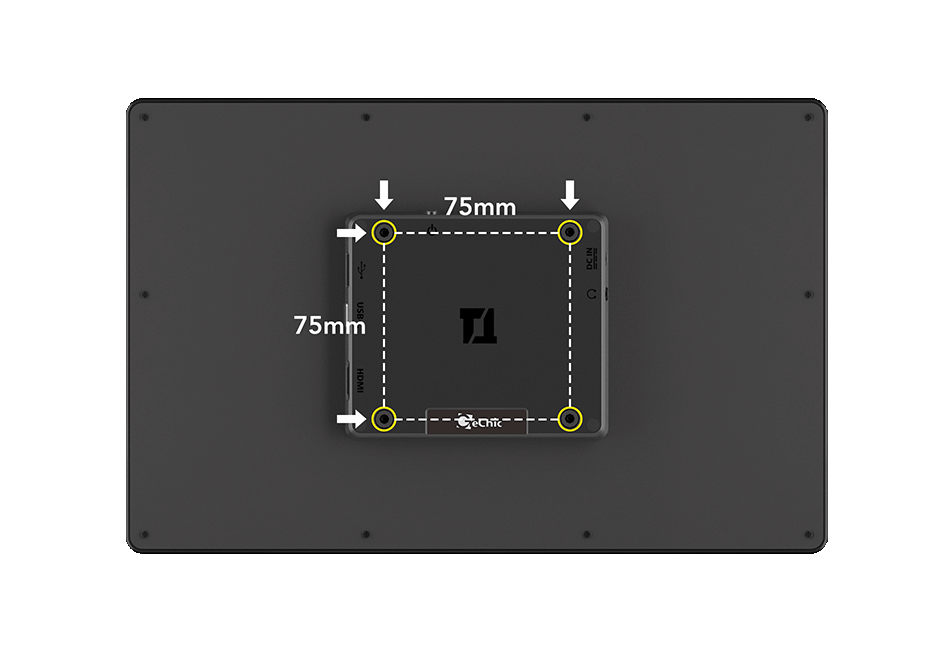
Add-On Mounting Frame for Easy Embedding
Secure the mounting frame plates to the monitor to provide an additional front-bezel embedding option. This makes it easier to integrate the T11 touch monitor into industrial PCs, mini PCs or other touch systems by rear-mount installation.

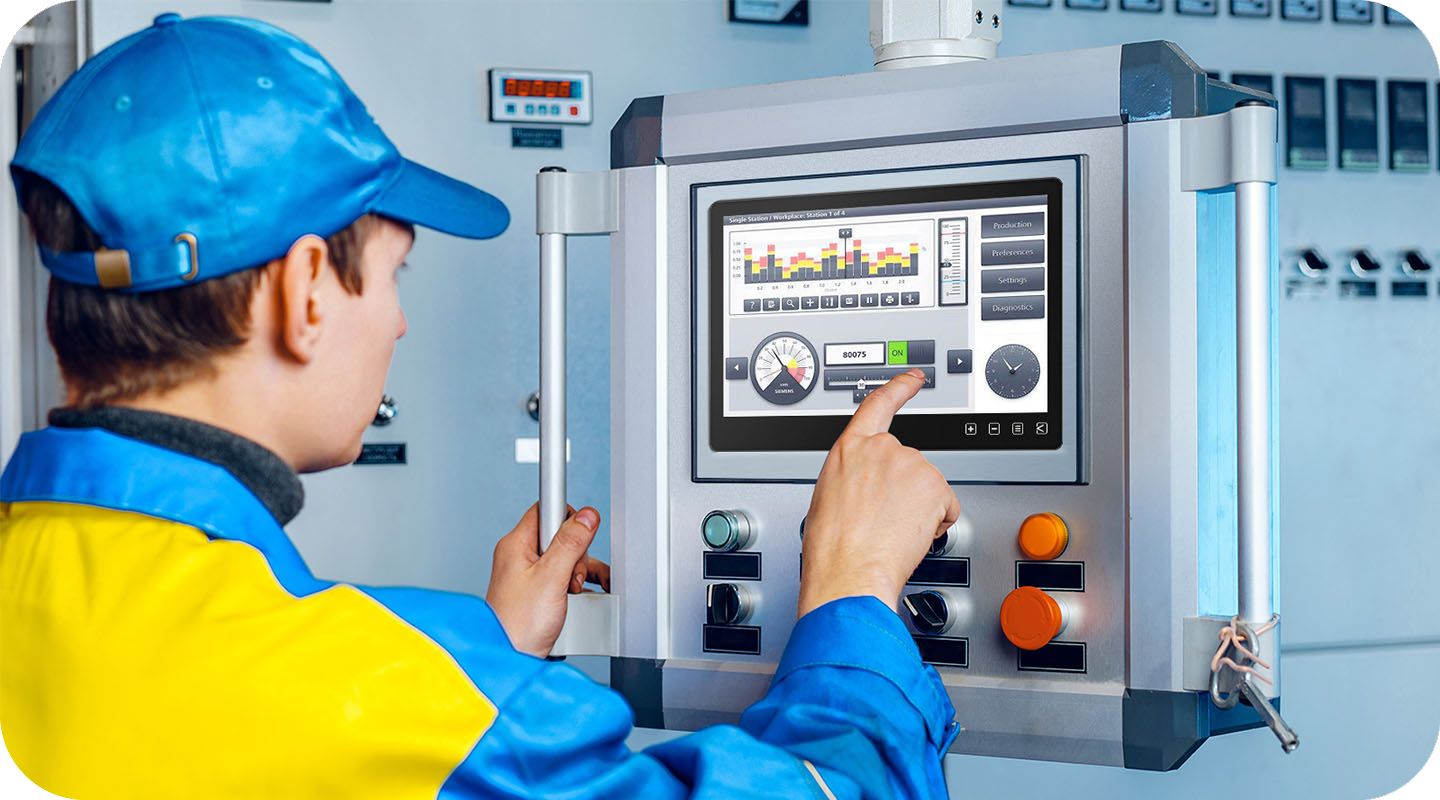
Optional Accessory of T1 Series
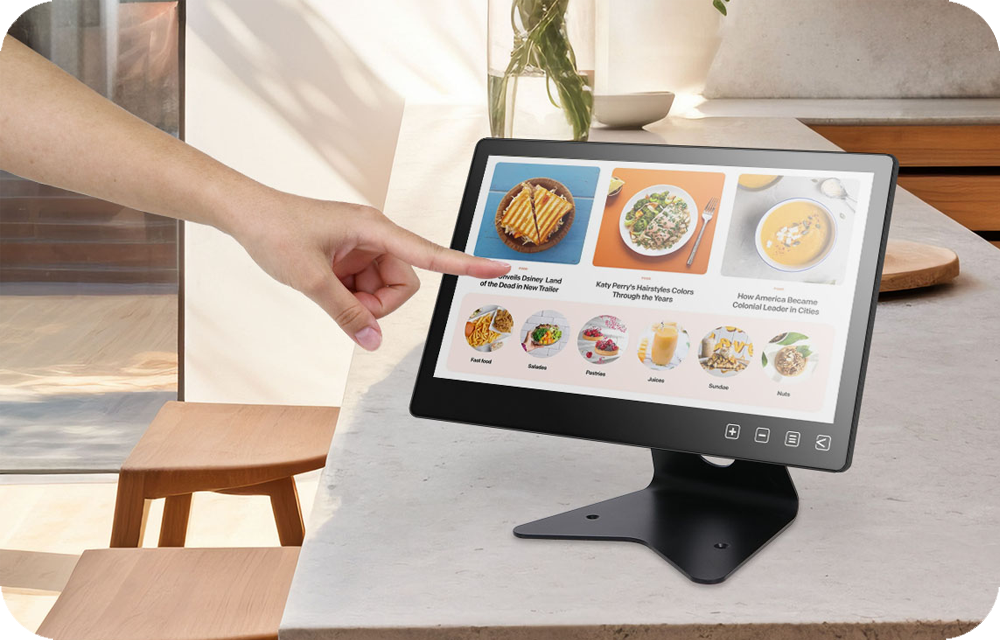
T1S2 Desktop Stand, As Stable as a Mountain
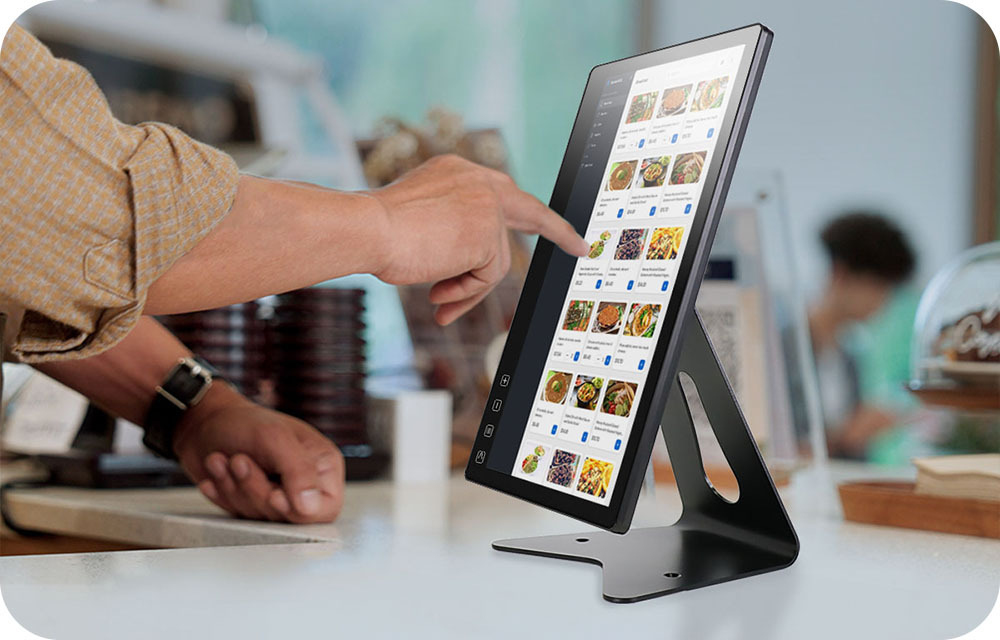
Using SPCC cold-formed steel with black plaint as the main material, T1S2 is not only durable but also classic in look. Use the VESA 75 screw holes to securely install the monitor to the stand at reception desk, counter, or any table to set up a delicate commercial touchscreen display.
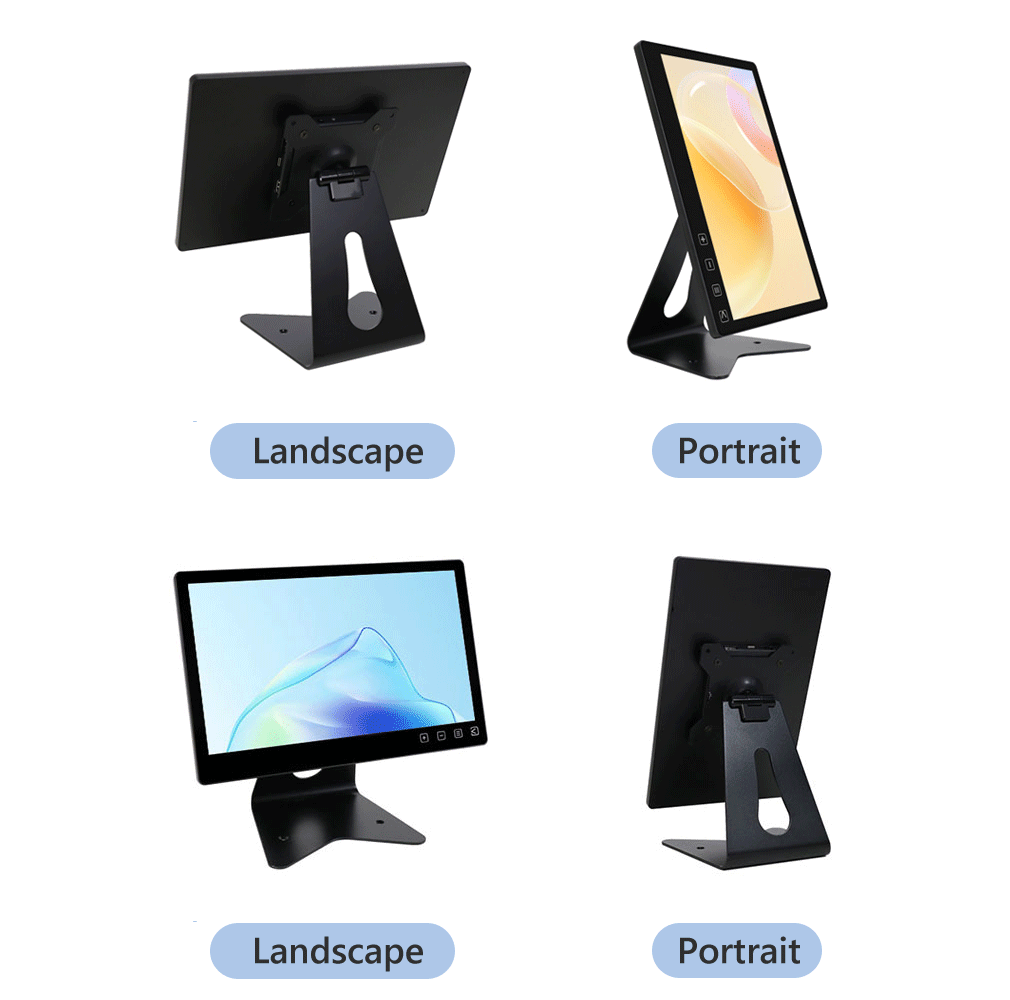
Two-Way Flip Design
Sharing Screen Naturally
360° Rotation
Freely Switch to Vertical or Horizontal Positions
Optional Accessory of T1 Series
All-Round Direction with Stability

360° Rotation
Turn it Now to Share
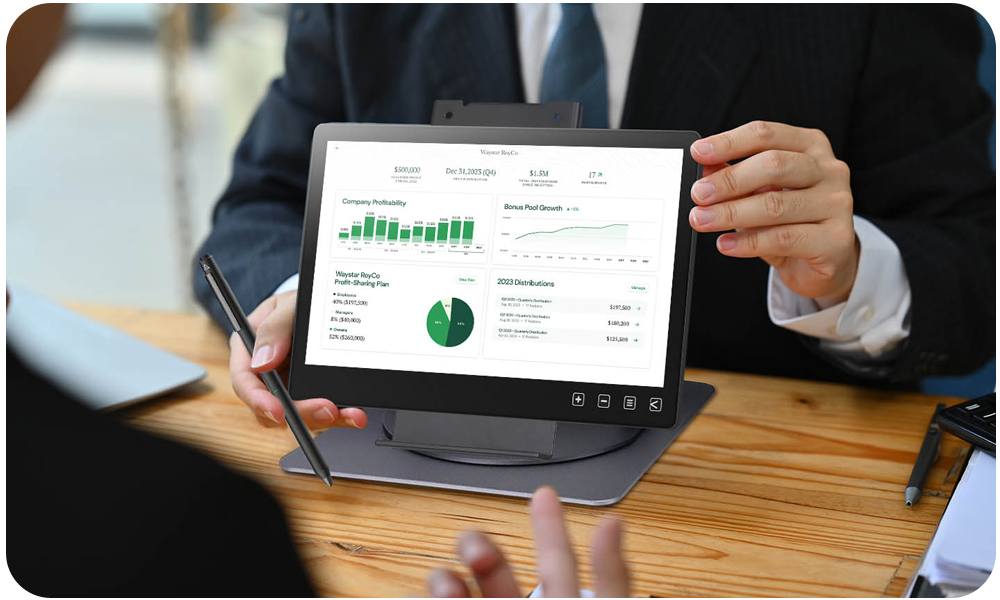
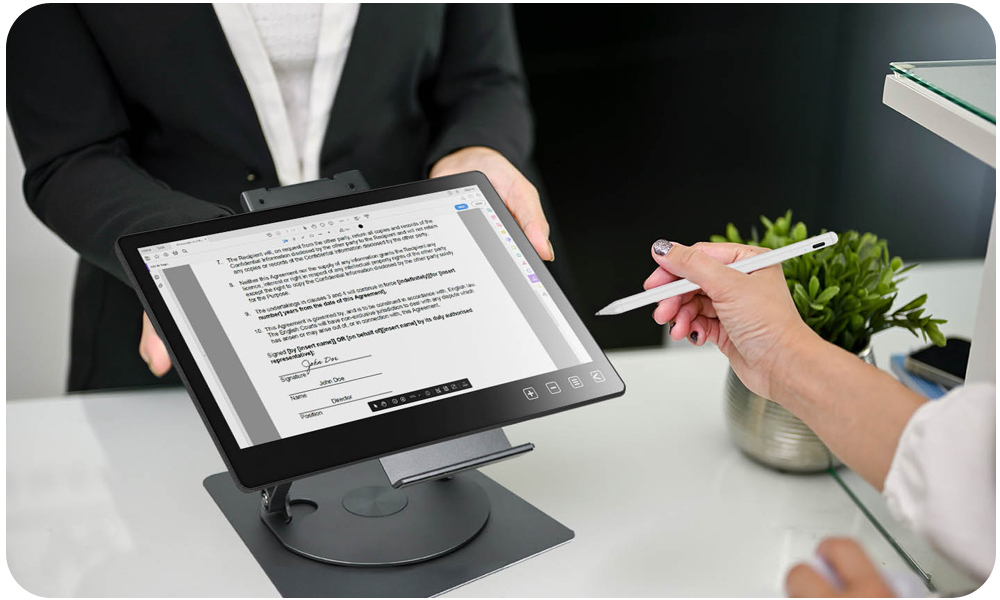
With a slight turn of the round turntable, you can adjust the monitor direction by 360°. The turntable has 48 stops, preventing the monitor from sliding after the angle is set. The T1S5 stand is perfect for setting up as an interactive digital signage or signing board at a shop or service counter, making the customer experience smoother.
Height & Tilt Angles Stepless Adjustment
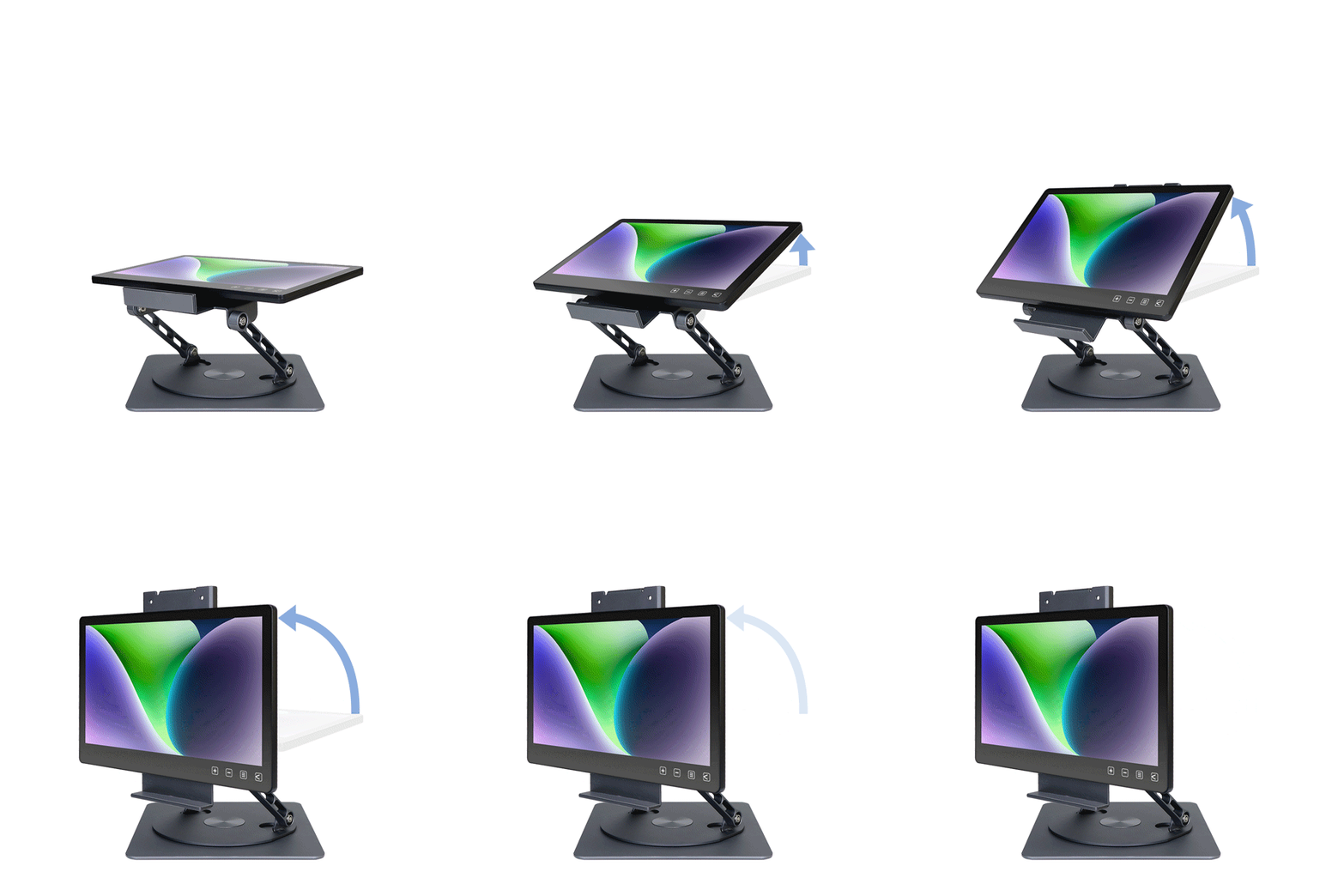
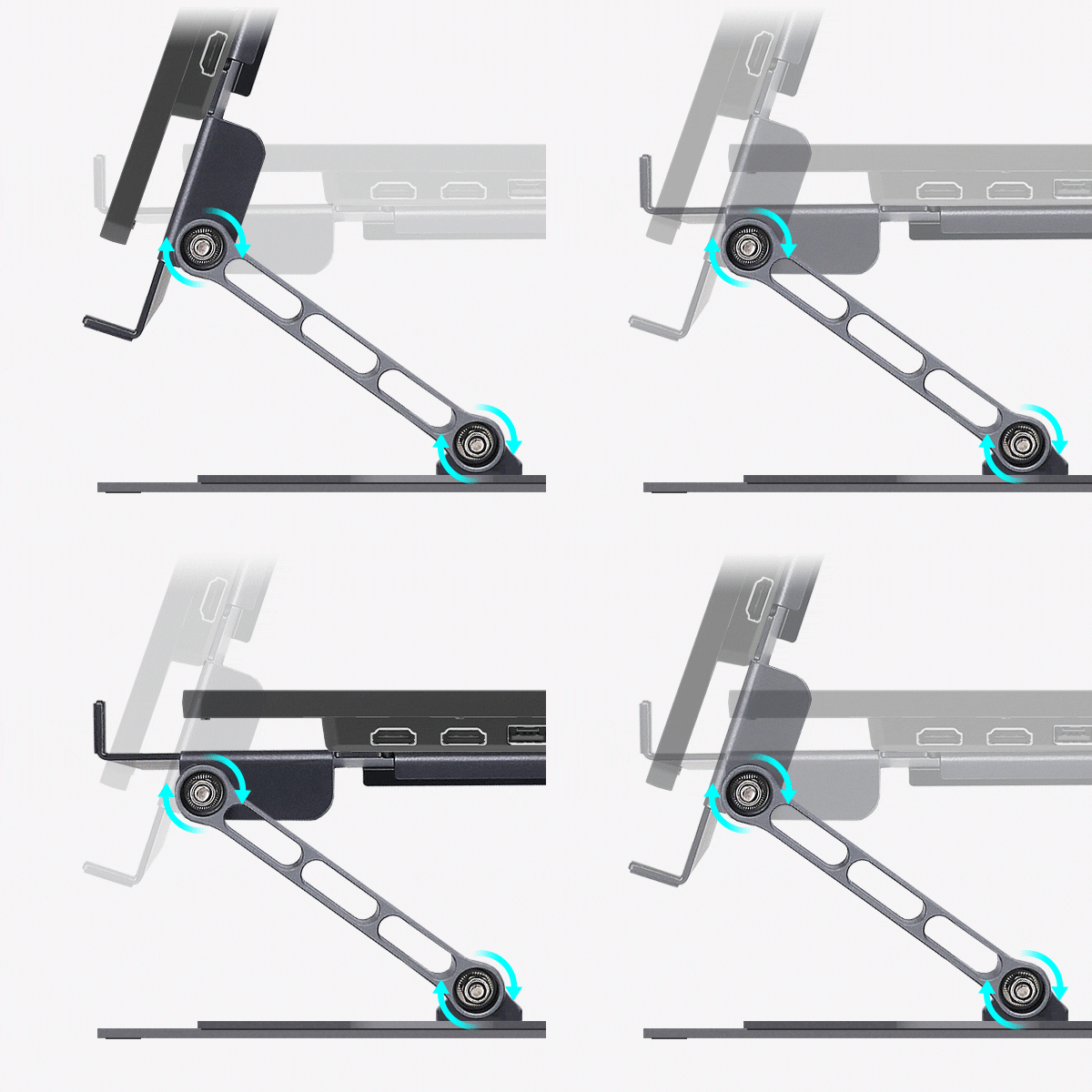
The T1S5 swivel stand adopts a two-section pivot design, allowing you to freely adjust the monitor's tilt and height. By keeping the monitor's center of gravity within the base, you can effortlessly create the optimal personalized setup!
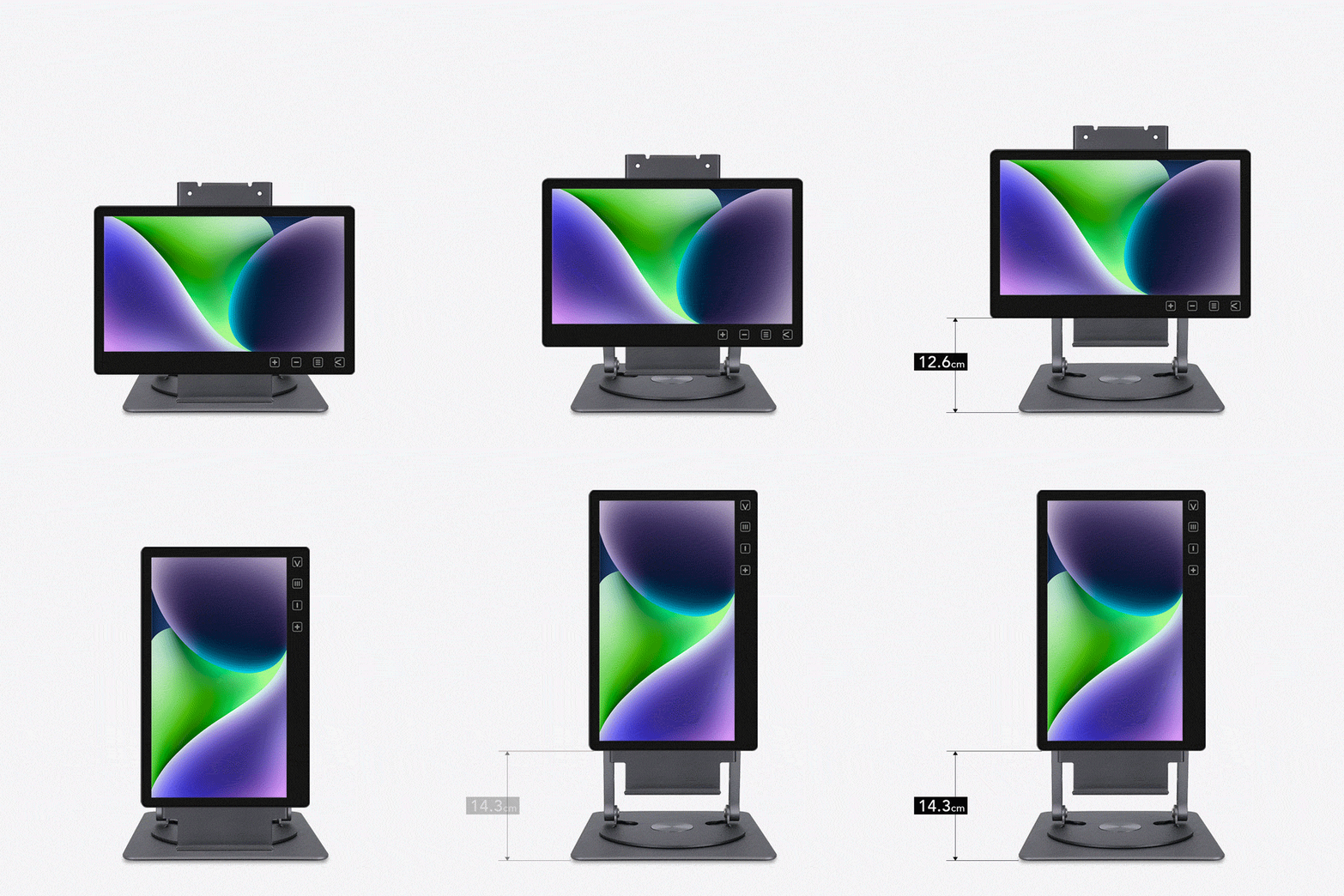
less of displaying text, image or video!