


● Mounting kit for embedded touch monitors – the top choice for HMI integration
● Proprietary for T111B and T112C Touch Monitors
● Supports VESA 75 mounting hole pattern (M4)
● With the mounting frame plates, T11 can be securely mounted inside machines or equipment
● Made of high-strength galvanized steel
Perfect Fit for Various Self-Built Machines
Born for embedded touchscreen solutions!
TThe T11 Proprietary Mounting Frame Plate, made of high-strength galvanized steel, is designed for embedding the T11 touch monitor. It allows the monitor to be mounted inside a machine’s front enclosure or on the back side of a wall, creating a clean, seamless touch interface. Ideal for automation equipment, kiosks, POS systems, factory machines, server rooms, and smart home devices.
Flexible Mounting Positions & Clean Cable Management
Once the T11 monitor is secured with the mounting frame plates, the frame provides 10 screw holes along the top and bottom for installation. Use the appropriate positions to mount the monitor into the enclosure or machine. The frame does not obstruct the rear I/O ports, keeping cable access open and the integrated setup compact and clean.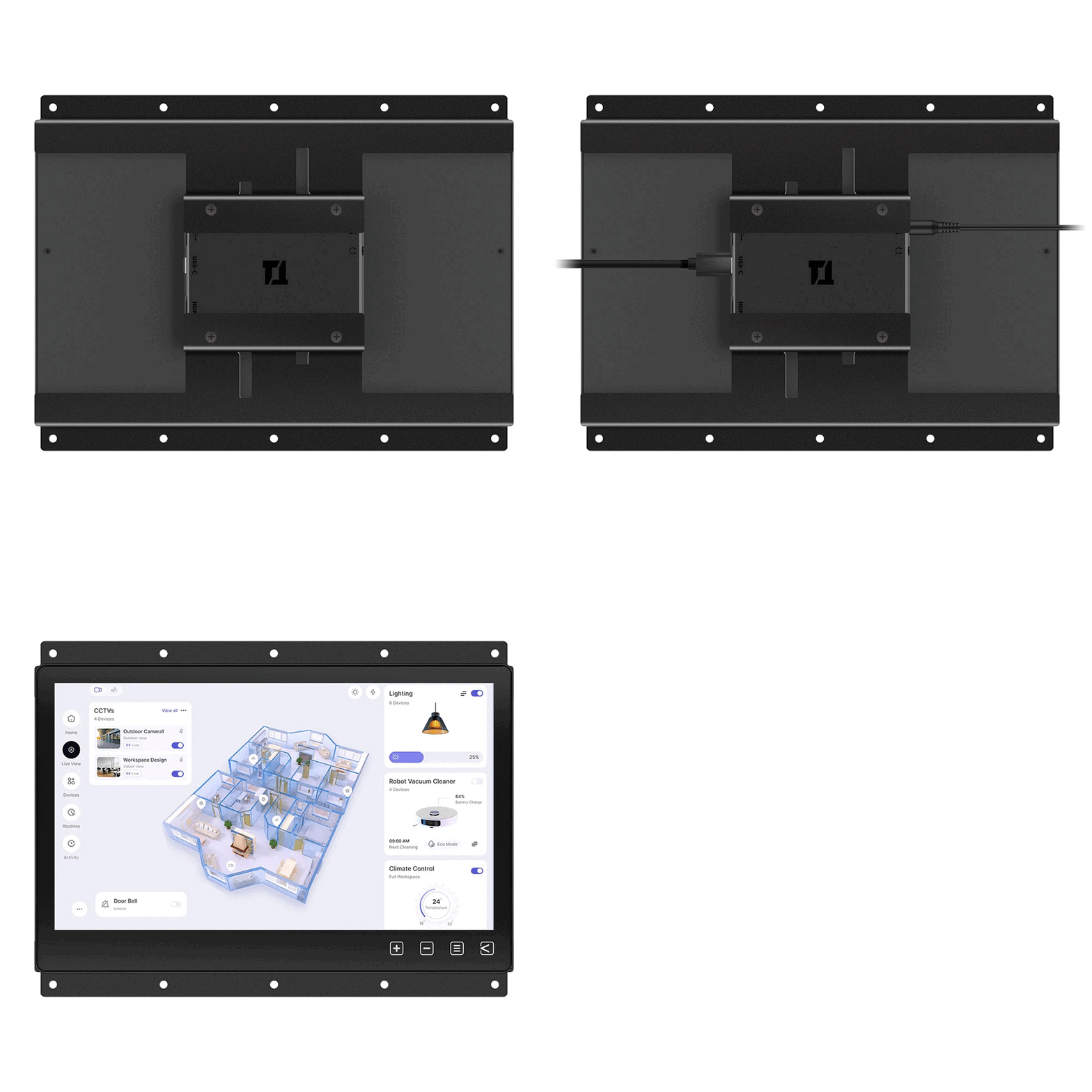
Dimension

T11 Compact Touch Monitor
Dual Installation Flexibility!
Wall-Mount & Rear Mount
Built-in VESA — Ready to Mount
The T11 features a true flat touch glass, ultra-slim bezel, and a sleek aluminum back panel. It can be directly mounted to VESA 75 wall brackets, arms, or desktop stands.
Add-On Mounting Frame for Easy Embedding
Secure the mounting frame plates to the monitor to provide an additional front-bezel embedding option. This makes it easier to integrate the T11 touch monitor into industrial PCs, mini PCs or other touch systems by rear-mount installation
Compatible Models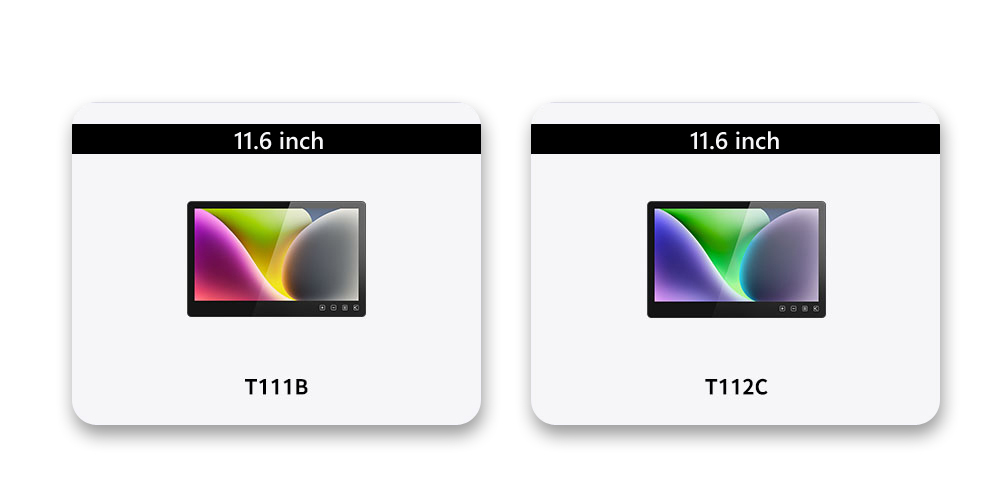
Installation
✪ "Click here" to download T11 Proprietary Mounting Frame Plate Instructions
Safety Warning
The company shall not be liable for compensation or consequential liability for damage to equipment or injury caused by improper use or installation(e.g., improperly tightened screws, etc.).
How to Install
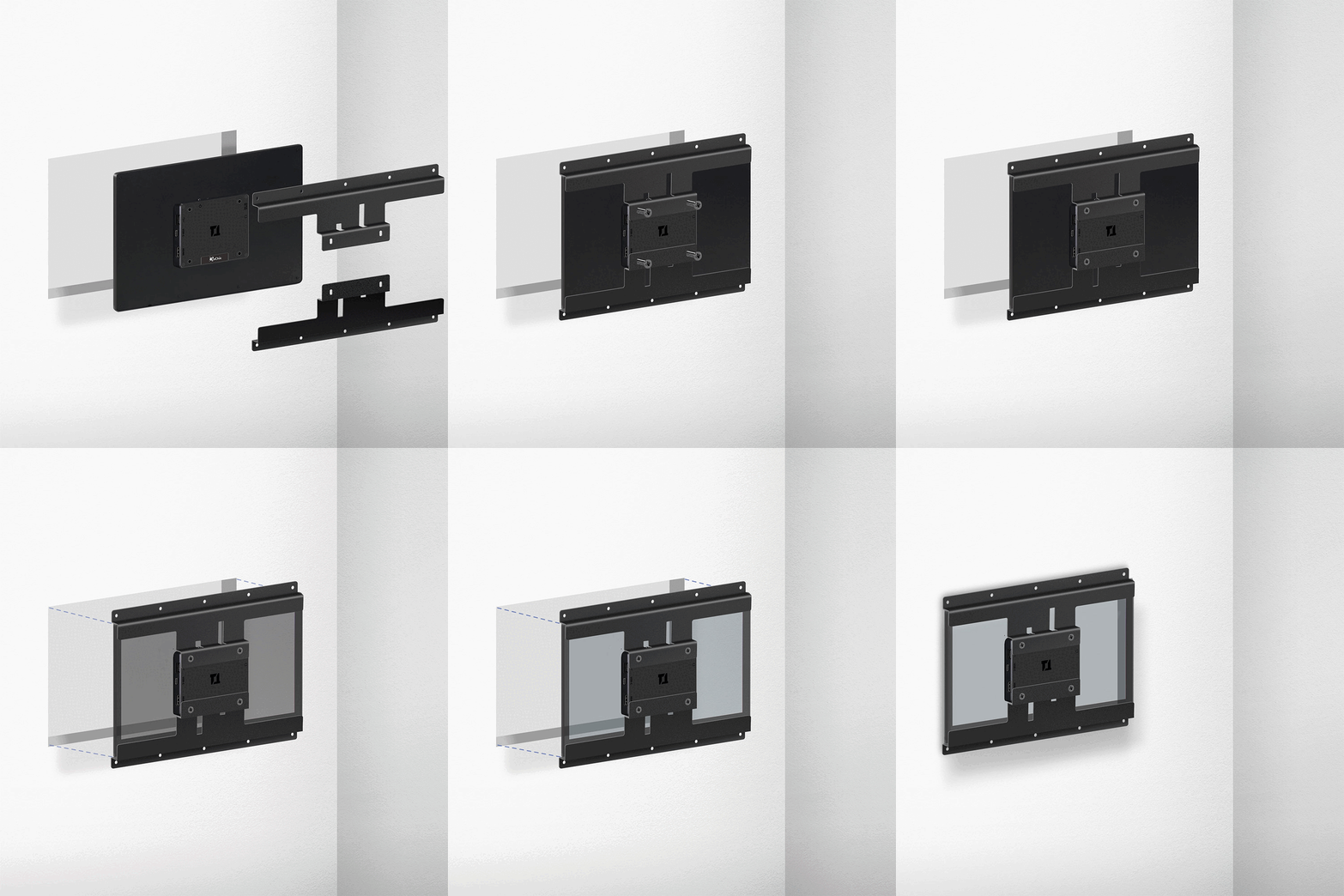
The T11 series uses a projected capacitive touchscreen, offering accurate and responsive touch performance. After assembling the mounting frame plate with the monitor, the touch glass surface will be recessed approximately 3 mm from the front edge of the frame. This prevents unintended touch responses caused by contact between the touch glass and the metal enclosure.
① For a flush fit, apply 3 mm-thick non-conductive foam strips around the front edges of the monitor or along the inner edges of the enclosure.
*Note: Foam strips are not included with this product.
② Prepare a foam or soft pad on a table and place the T11 monitor face-down on it. Align the M4 screw holes of the T11 Proprietary Mounting Frame Plate with the VESA 75 holes on the back of the monitor, then fasten the four included M4 screws to secure the frame plate.③
③ Use appropriate M4 blots and nuts (or M4 screws) to secure the monitor to the enclosure through the mounting holes on the frame plates.
Specification
Product Name
T11 Proprietary Mounting Frame Plate
Applicable
T111B, T112C
Dimension(W×H×D)
279.72 x 79 x 24.2mm
Weight
134.41g(each)
Material
Steel
Color
Black
Accessory
M4 Screw 4 pcs

